See the real workspace

Everything your packet needs.
Nothing scattered.

Bring student information, staff guidance, goals, data tools, packet versions, and export into one guided workspace built specifically for special education.

SpEd Packet Studio
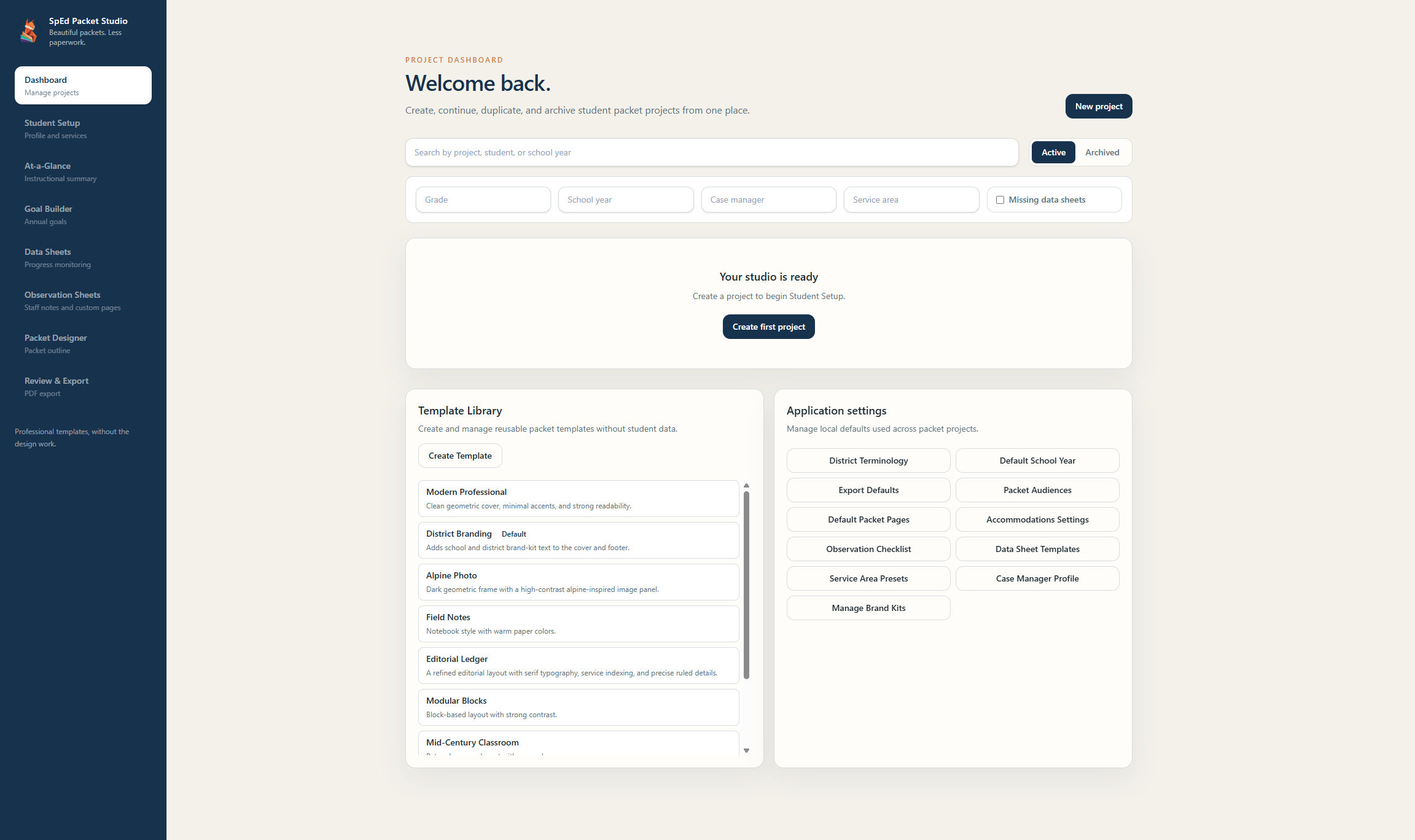
SpEd Packet Studio project dashboard
Real app interface
7 guided workflow steps1 connected student project focused packet versions0 cloud accounts required
A closer look

From the IEP to a packet
staff can actually use.

Copy over the information you already have, organize it once, and let each step build on the last.

01
Student setup

Keep the foundation together.

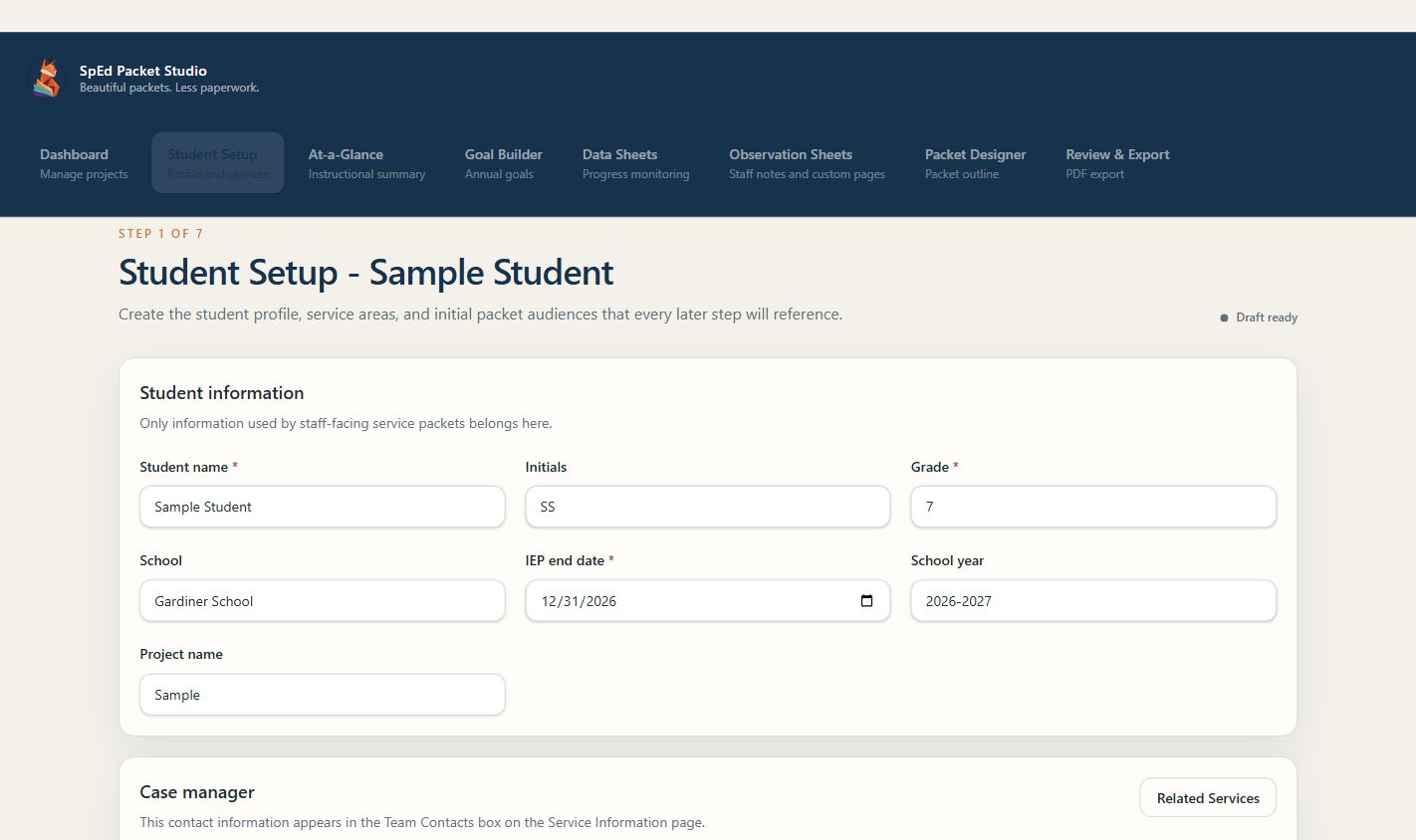
Enter student details, case manager information, related-service contacts, accommodations, service areas, minutes, settings, and packet audiences in one connected profile.

  • Structured student and service information
  • Accommodations and behavior support pages
  • Audience selection for each project
Student Setup screen with profile and service information
02
At-a-glance and goals

Turn IEP language into clear staff guidance.

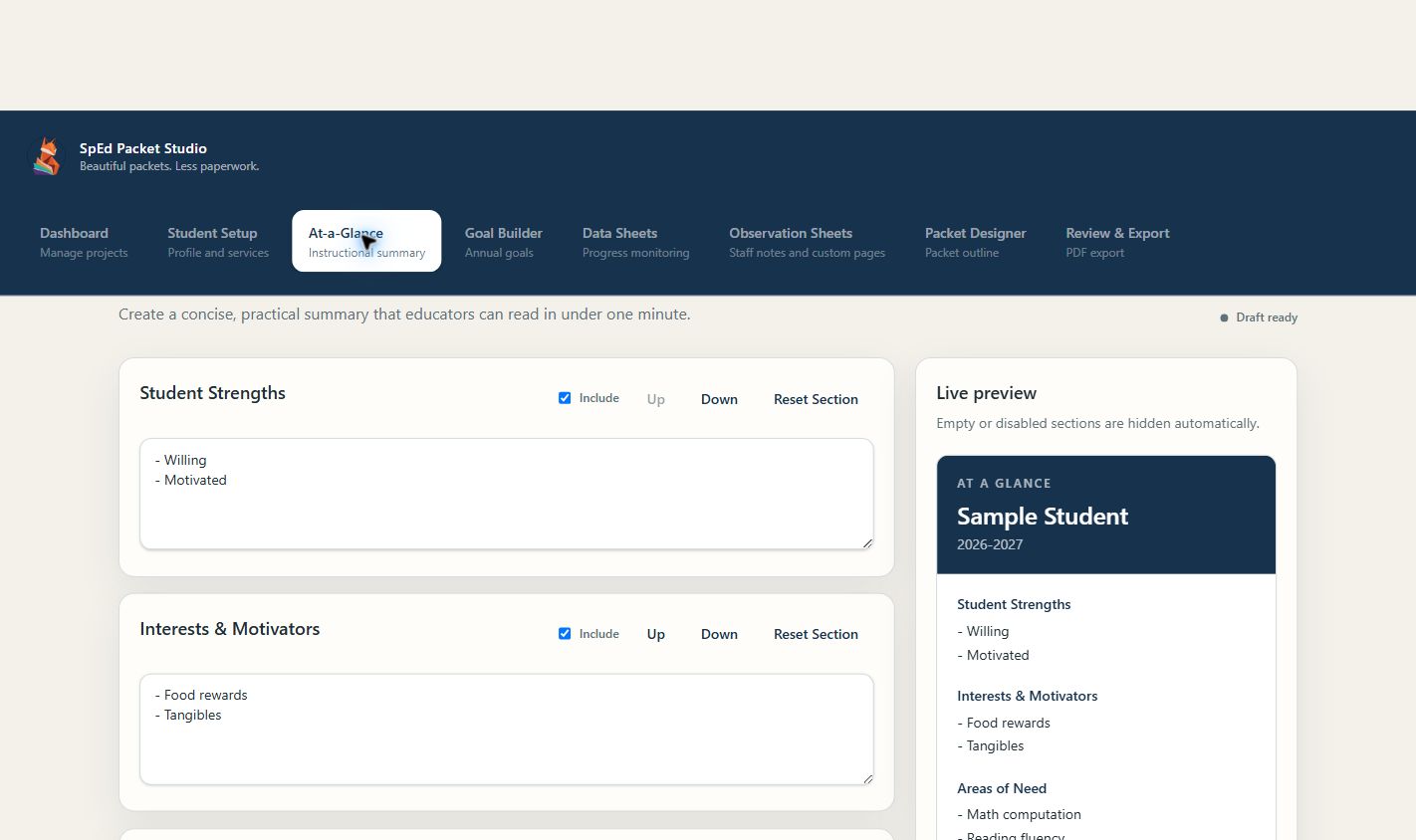
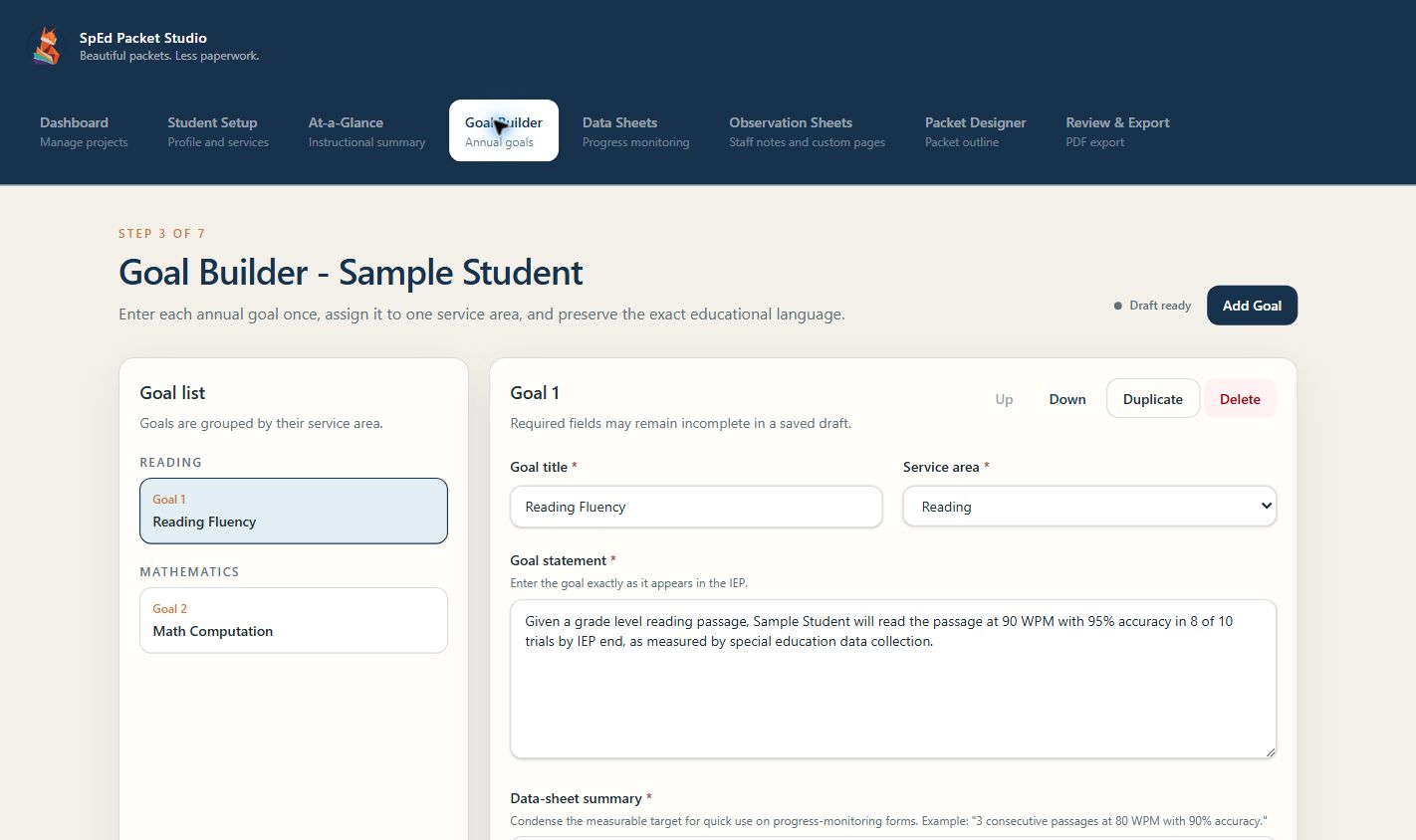
Copy and paste existing IEP information, then organize it into an easy-to-scan instructional summary. Keep complete goal statements alongside concise summaries that flow into data sheets.

  • Reorderable at-a-glance sections
  • Full IEP goals plus staff-friendly summaries
  • Goals connected to service areas
At-a-Glance instructional summary builder
Goal Builder with annual IEP goals
03
Data and observations

Build practical tools around the goals.

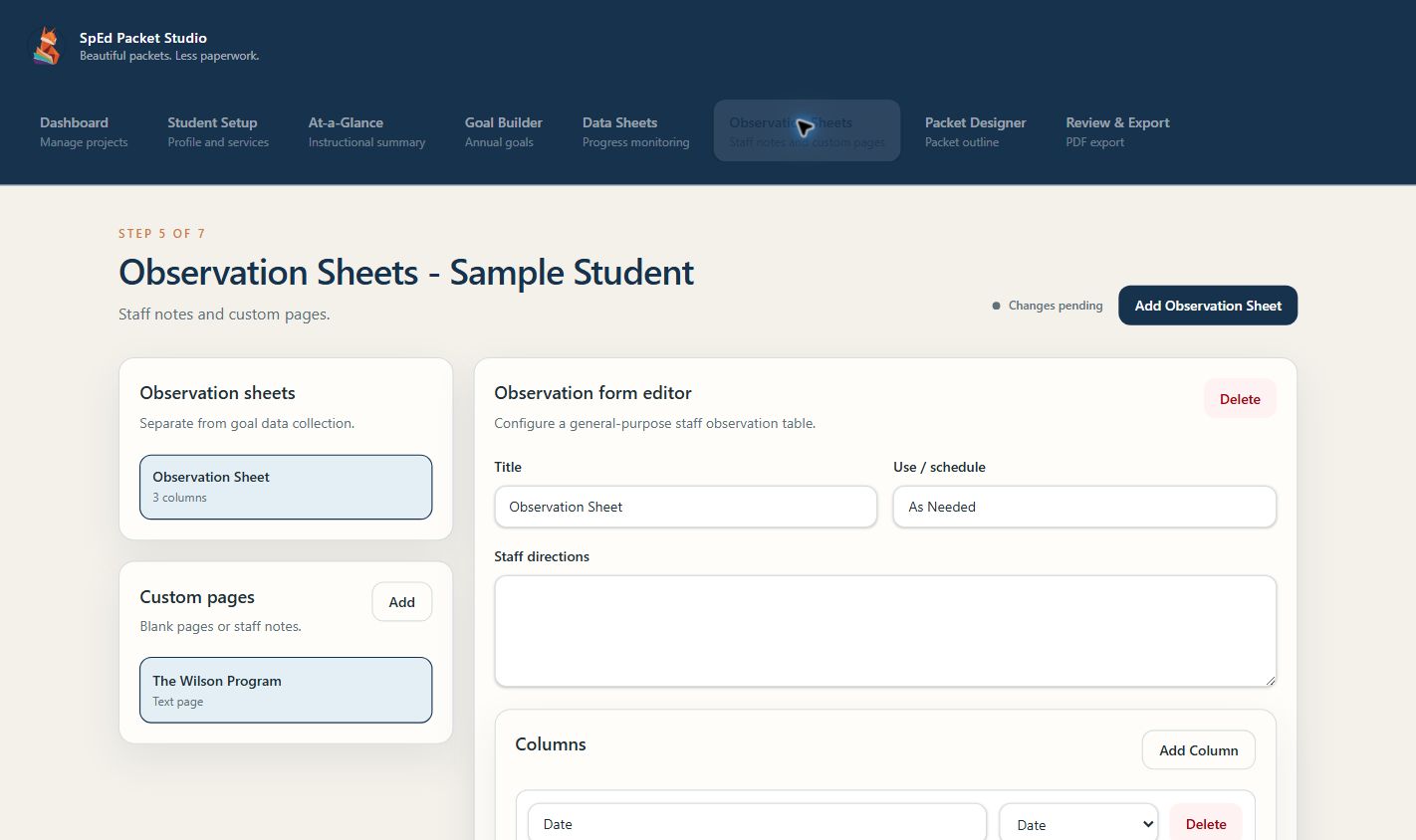
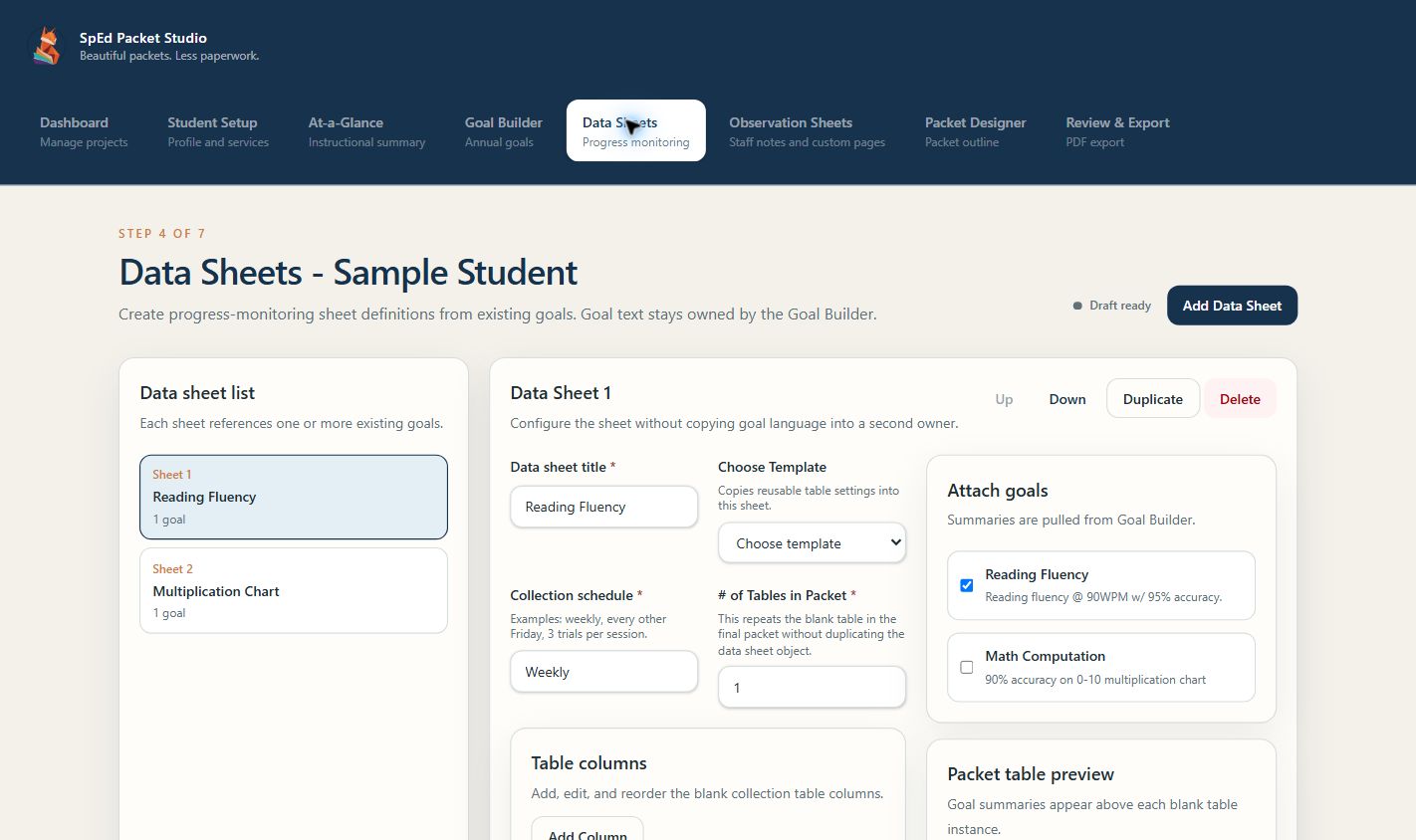
Create progress-monitoring sheets without copying goal language into another file. Choose templates, attach goals, set schedules, customize columns, and build separate observation pages for classroom notes.

  • Reusable data-sheet templates
  • Goal-linked summaries and custom tables
  • Observation logs and staff checklists
Data Sheet Builder with goal linking and collection settings
Observation Sheets builder
04
Packet versions

Decide what each audience receives.

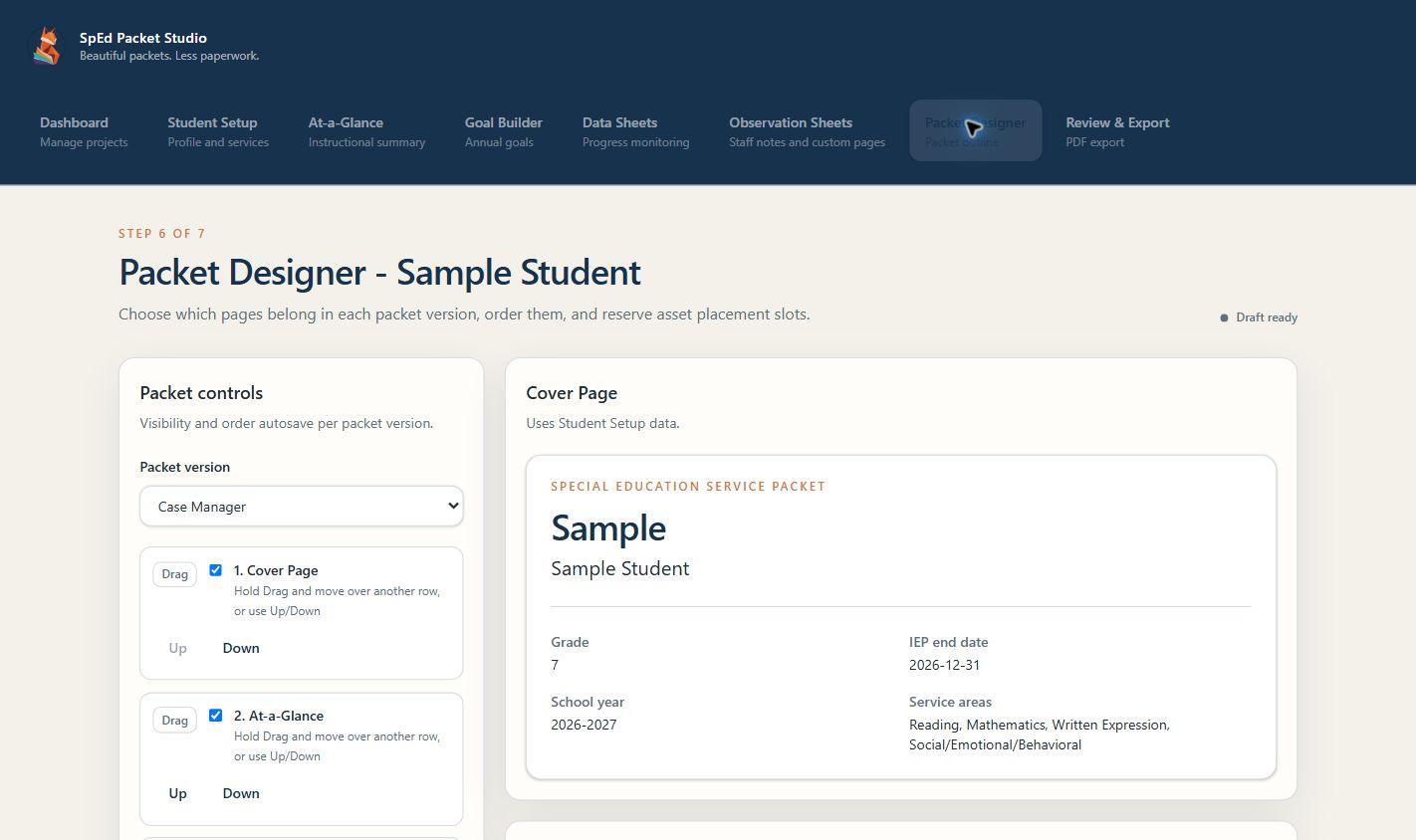
Select a version, show or hide its pages, and arrange them in the order that makes sense for that reader. A general education teacher, case manager, and coach can each receive a focused packet from the same source information.

  • Audience-specific page visibility
  • Independent page order for every version
  • One source of truth across all packets
See how packet versions work
Packet Designer showing page controls for the selected packet version
Professional output

Make it cohesive.
Preview it. Export it.

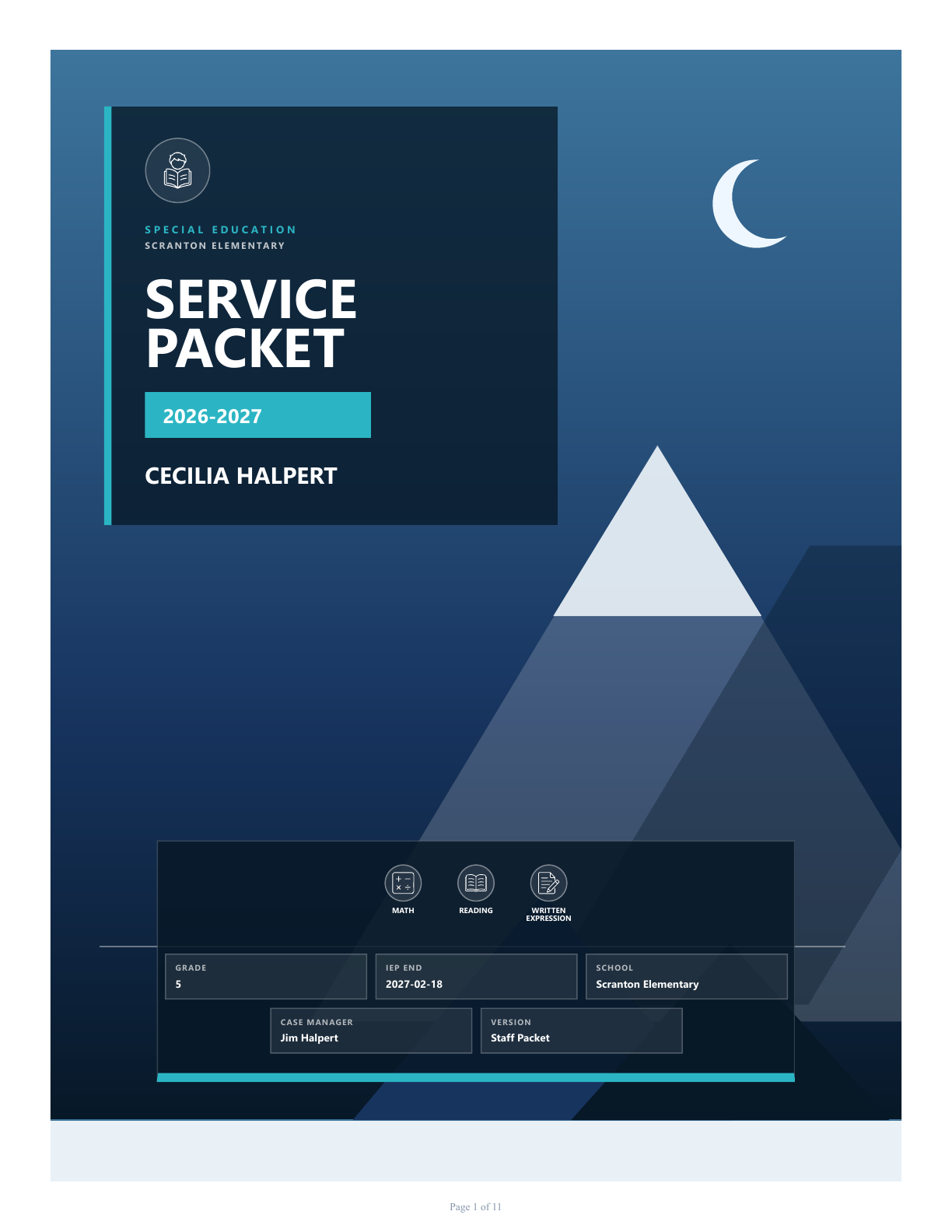
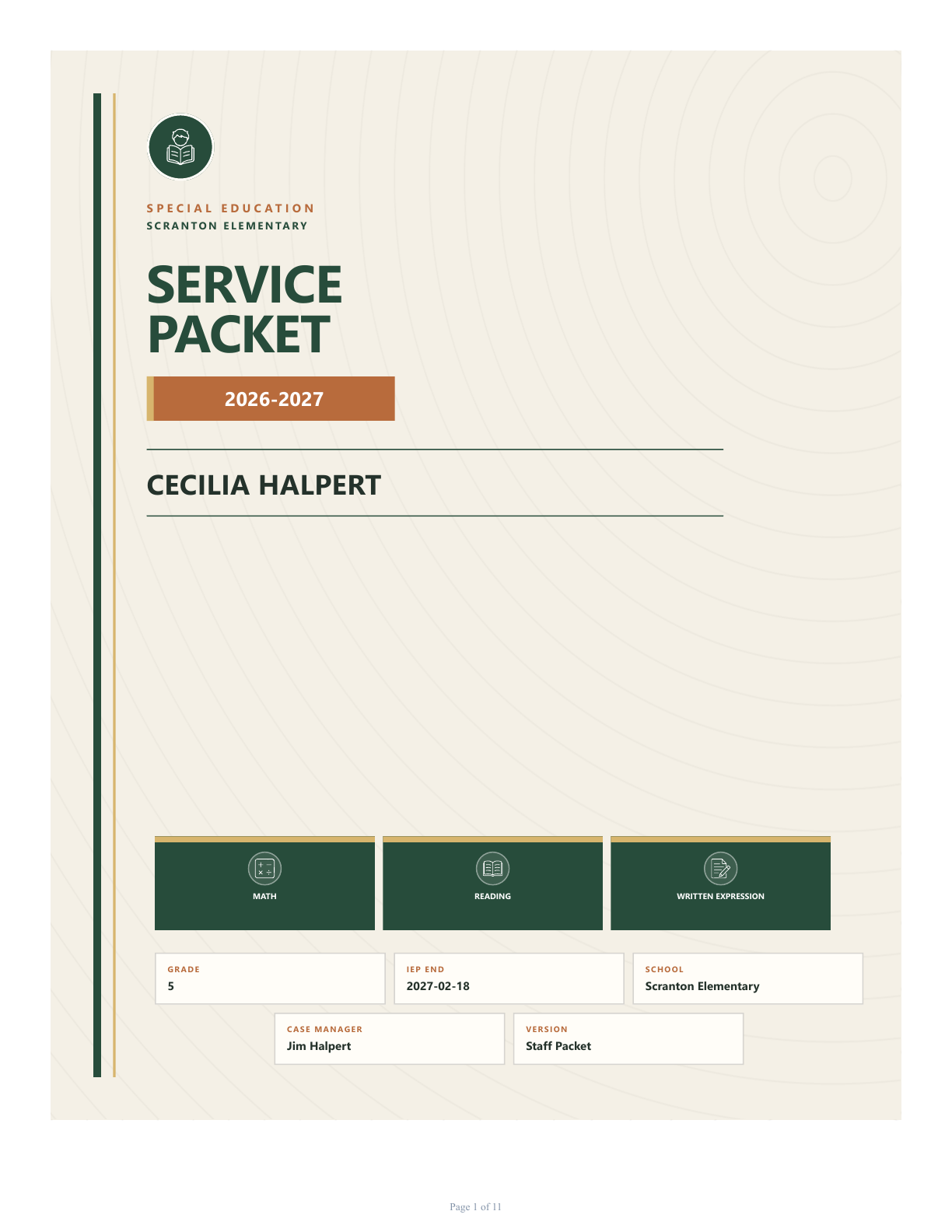
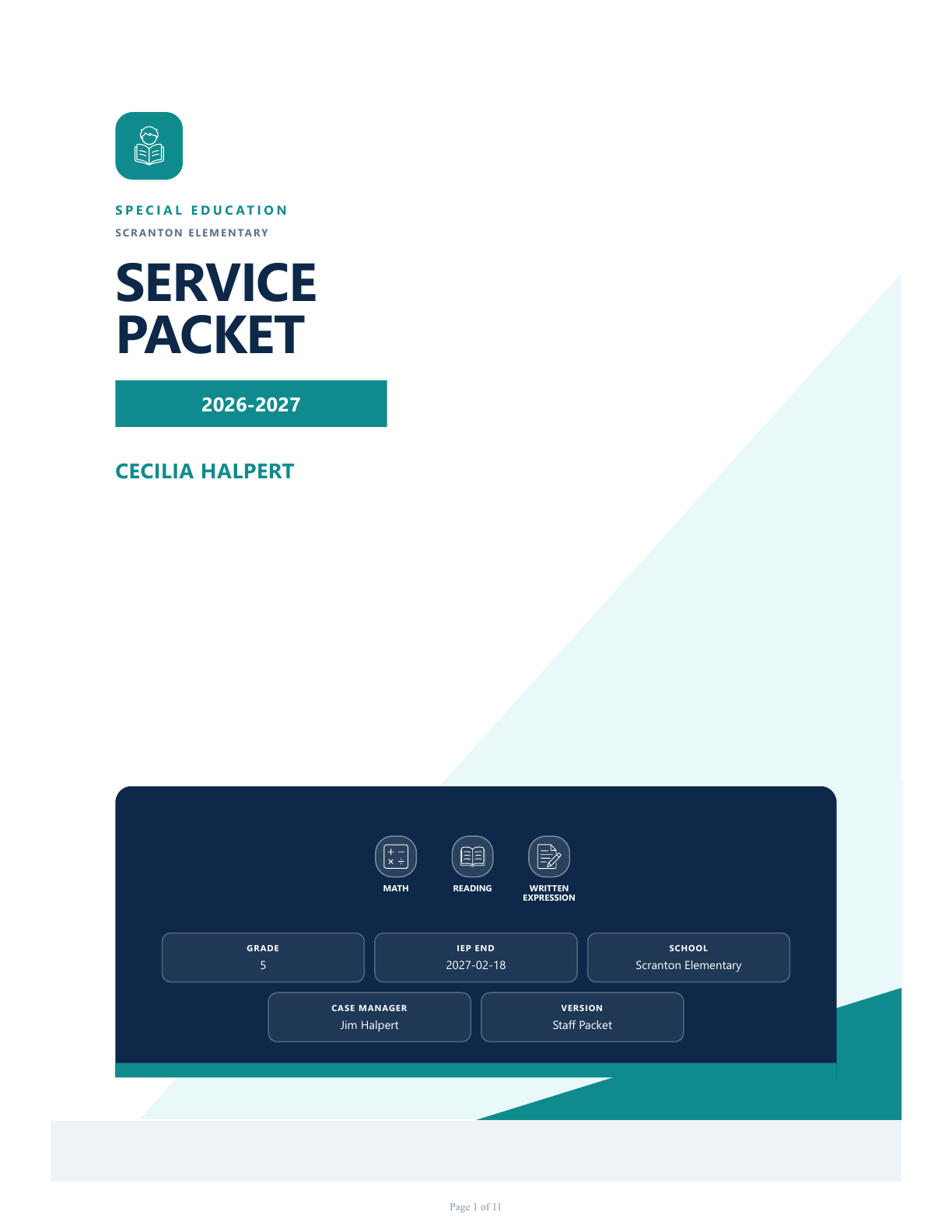
Choose a complete packet template, apply a brand kit, preview the result, and export a print-ready PDF or a ZIP containing every version.

Explore packet templates
Alpine Photo packet coverField Notes packet coverModern Professional packet cover

Autosaved as you work

Move through the workflow without managing a collection of disconnected documents.

Private and local-first

Projects stay on your Windows device. No cloud account is required to build a packet.

Validated before export

See what is complete and what still needs attention before creating the final file.

PDF, ZIP, and backup

Export one version, bundle them all, or create a local JSON project backup.

One app. One clear workflow.

Ready to make the packet process feel manageable?

Download for Windows