
A guided start-to-finish process

One student.
One workspace.
The right packet for each person.

Enter the information once, then create tailored packet versions that give each member of the student’s team the information relevant to their role.

12345
01
Student setup

Lay the foundation once.

Create the student profile, define services and delivery details, add the case manager and related providers, and capture accommodations or behavior supports. This becomes the shared source information behind every packet version.

ProfileServicesProvidersSupports
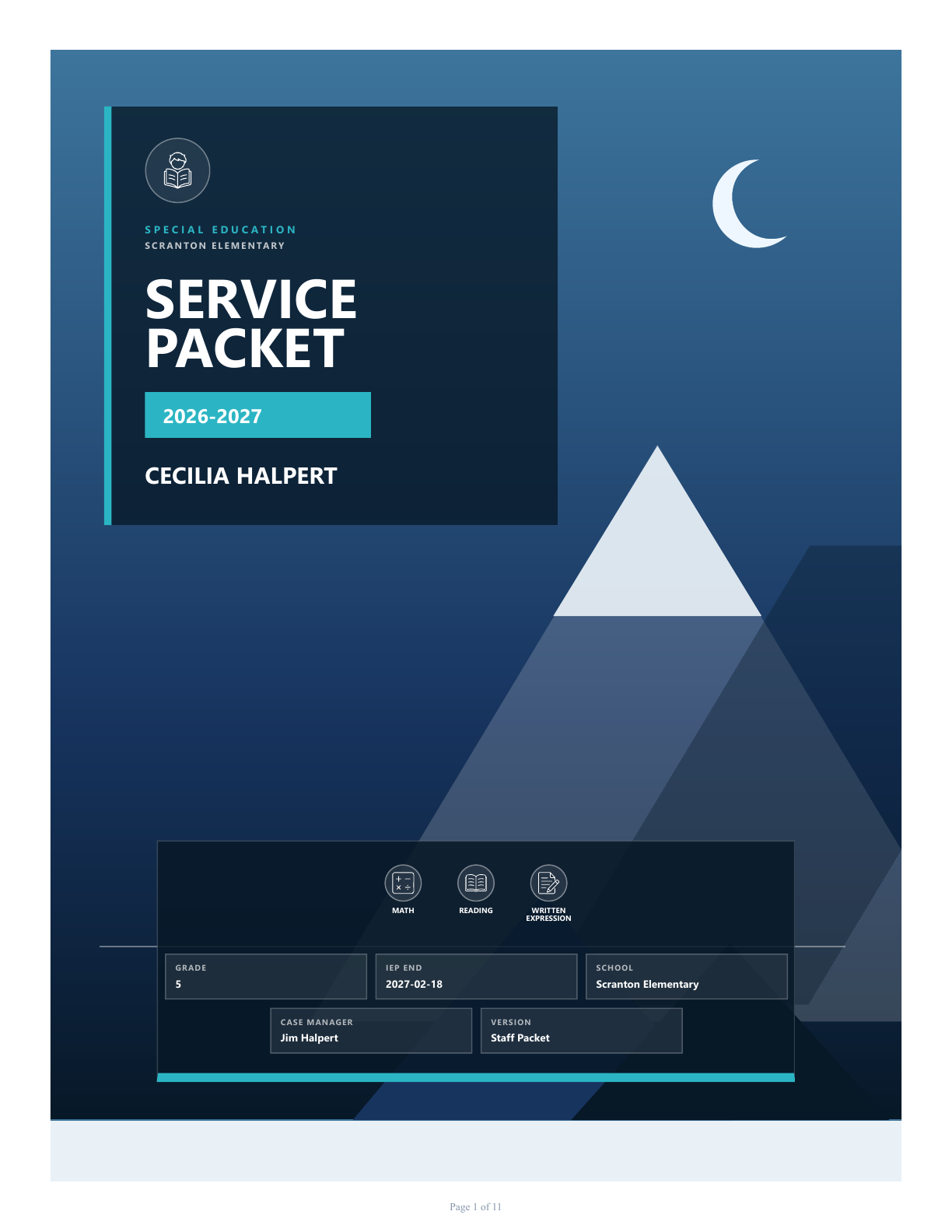
Cecelia Halpert2026–2027 service packet

3 service areas

150 minutes / week

3 packet audiences
02
Build the content

Turn plans into practical tools.

Copy and paste the information you already have in the IEP—such as goals, accommodations, services, and student details—then organize it into an easy-to-scan at-a-glance and staff-friendly goal summaries. Build data sheets and observation tools around what the team needs to collect, adding schedules, custom columns, notes, and practical guidance without rewriting the original information.

At-a-glanceGoalsData sheetsObservations

✓ Student strengths

✓ Goal summaries

✓ Service information

✓ Collection schedule

03
Select and tailor packet versions

Give each audience what they need—and leave out what they don’t.

Create focused packet versions from the same student project, choosing which pages appear and how they are ordered for each audience. More information is not always better—the most useful packet respects the reader’s role.

General educationClassroom supports, relevant goals, and communication guidance
Special educationComplete services, goals, data collection, and observation tools
Coaches and activitiesA concise overview with relevant accommodations and safety supports
Audience versionsShow or hide pagesPage orderRelevant information
Packet versionsChoose an audience
General education5 pages
Special education10 pages
Coach / extracurricular3 pages

One source. Three focused packets.

04
Design each version

Keep every version cohesive.

Apply a professional template and theme, reorder the selected pages, and preview the result. Even when two audiences receive different information, every packet can share the same clear visual system and school branding.

TemplatesBrand kitsPage orderLive preview
Alpine Photo packet previewLive packet preview
05
Review and export

Finish every packet with confidence.

Review the selected version, resolve relevant validation items, and save a print-ready PDF. When you need every audience version at once, export them together in a ZIP archive.

ValidationPreviewPDFMulti-version ZIP
Ready to export
PDF
ZIP
Save to a location you choose
LOCAL-FIRST BY DESIGN
Privacy is part of the workflow

Student information stays
on your device.

SpEd Packet Studio is a local-first Windows application. Projects are stored locally, packet generation happens on your computer, and the app does not require a cloud account or internet connection to do its work.

Local storageProject data is saved in a local SQLite database.
Offline workflowBuild, preview, and export without sending student data to a cloud service.
Your backupsCreate local JSON backups and choose where finished PDFs and ZIP files are saved.
One source. Every audience.

Build focused packets without duplicating your work.

Download for Windows